
Ep. 71: Do You Actually Need to Use AI for That?
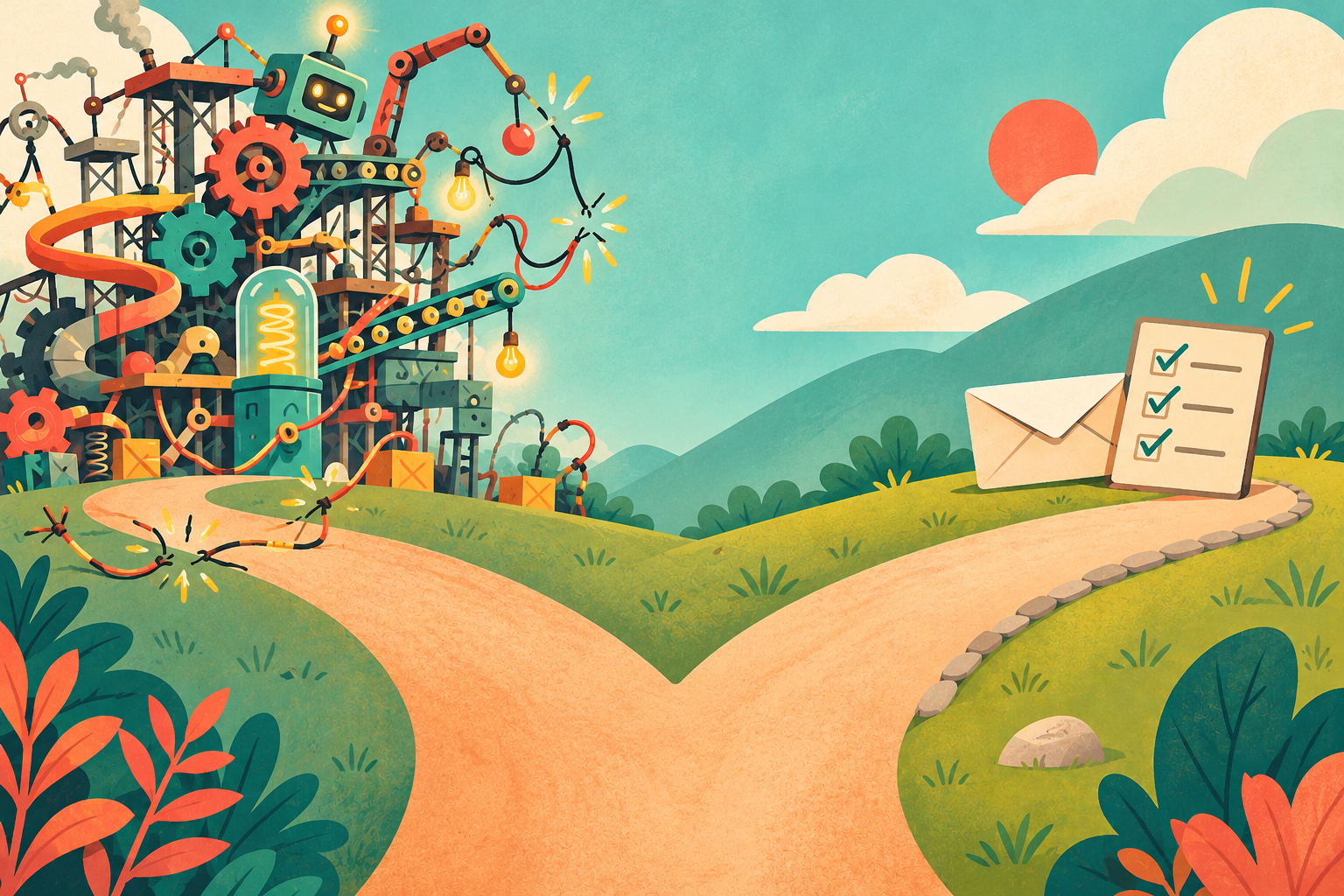
AI can do a lot, but it absolutely does NOT need to be doing everything. Sometimes it’s the right call, and sometimes it just creates fragile setups with lots of moving parts. Yes, “ask the robots”, but that works best when you also ask whether you’re solving the right problem. The robots will always give you an answer, but the discernment is up to you.
It’s the Discernment for Me
Today we’re talking about discernment. More specifically, understanding that while AI can do so much, you don’t need to use it for everything.
My guess is that if you’re reading this, you’re not some super anti-AI person who shoots from the hip and says, “You shouldn’t use AI for anything!” Buuuuut, I also don’t think being on the other side of that spectrum and immediately defaulting to AI for everything is where we want to be either.
Just because you can, doesn’t mean you need to.
Fewer Moving Parts, Fewer Things That Break
FWIW, I don’t like a lot of moving parts when it comes to… anything. The more moving parts, the more things that can break.
That’s actually one of the main reasons I got into making my own web apps and automations with AI. Custom solutions to my specific tech problems meant being able to avoid things like Zapier. Let the record show, I HATE Zapier. I used it one time a zillion years ago, a connection broke, and I said never again. Yes, I hold a grudge.
So I don’t want to turn around and recreate that same fragility with AI. I’m always going to look to build the most robust thing, and sometimes that means not using AI at all.
Something I say a ton when it comes to using AI is to ask the robots. When you don’t know how to get the robots to do something, or you don’t know if the robots can do the task at all, ask the robots.
The only issue is that the robots don’t always have the best discernment. In the robots’ defense, neither do humans. Some people are fantastic problem solvers, but, like the robots, they fail to ask if they’re solving the right problem in the first place.
So a better question to ask the robots might be: “Is this the simplest and most robust way to do this utilizing the tech and software that I already have?”
Claude and ChatGPT are always going to give you an answer. It might not be the right answer, but they’re going to give you an answer. You, my friend, are in charge of making sure that answer is the right one for you. The discernment is on you.
Reminder: AI Can Write the Code (Duh)
The other thing I want to cover in this episode, this going to come as an absolute duh, is a reminder that you can use AI to write code that will solve your tech issues and not actually have AI serve as the final solution. For example:
- Writing code for a code block that you embed on your website to add a visual or some functionality
- Writing the code for an entire page of your website, which you then paste into the code editor for that page
- A personal fave: writing code for a Google Apps Script that creates incredibly helpful functionality within the Google Workspace ecosystem
Google Apps Script: An Unsung Hero
Quick refresher: Google Apps Script is Google’s original low-code automation platform. You write instructions, and those instructions make the Google tools do things automatically. Believe it or not, it’s been around since 2009 (which is part of what makes it so damn good), it’s incredibly robust, and best of all, it’s FREE.
Google Apps Script is a platform within Google Workspace that lets Google apps talk to each other and do things automatically, which can be really helpful for tasks like:
- Sending emails automatically
- Creating calendar events
- Creating Google Docs or folders inside of Drive
- Pulling data and populating a Google Sheet
And y’all, that’s just the tip of the iceberg.
Fun fact: none of those bullet points are AI. Like I’ve been yelling about for this whole blog post, AI isn’t always the answer.
For many work-related tasks, as long as you’re in the Google ecosystem, Google Apps Script may actually be the best choice, or at least a really good choice for part of the web app or workflow automation you create. Not everything needs to be run through AI.
How I Used AI This Week
Speaking of not using AI for everything…each episode I share a quick example of how I used AI that week 😉
I’m continuing my push to be more ambitious with AI which means asking it to do things it either couldn’t do before, or that I’m not sure it can do (aka the kinds of things where old me would get annoyed while it was trying and making mistakes).
This week the task was simple, but one that I wasn’t sure Claude could successfully perform because while Claude is connected to my Google Workspace, I wasn’t sure if the connectors worked across all platforms (aka on my phone). Spoiler: they do.
While walking Moose and responding to client messages, one client needed the link to a Google Form. If you’ve ever tried to access Google Forms from your phone you already know that it’s a near impossibility and for the life of me I can’t understand why they haven’t figured that out yet. Either way, I decided to be ambitious with AI and ask Claude to grab the link for that form… AND IT DID IT.
Real talk, this is one of the most helpful things Claude has done. Ever. Sounds silly, but if you’ve ever tried to navigate the Workspace app on your phone while walking a moderately high-energy Doodle, you understand.
Da Wrap-up
AI can do a lot, but that doesn’t mean it should do everything. Before you build, ask whether you’re solving the right problem and whether there’s a simpler, more robust way to do it with the tech you already have. The robots will always give you an answer, but the discernment will always be on you.
As always, endlessly grateful for you and your curiosity.
Catch you next Thursday.
Maestro out.