
Ep. 45: Stop Typing, Start Talking: Wispr Flow Explained
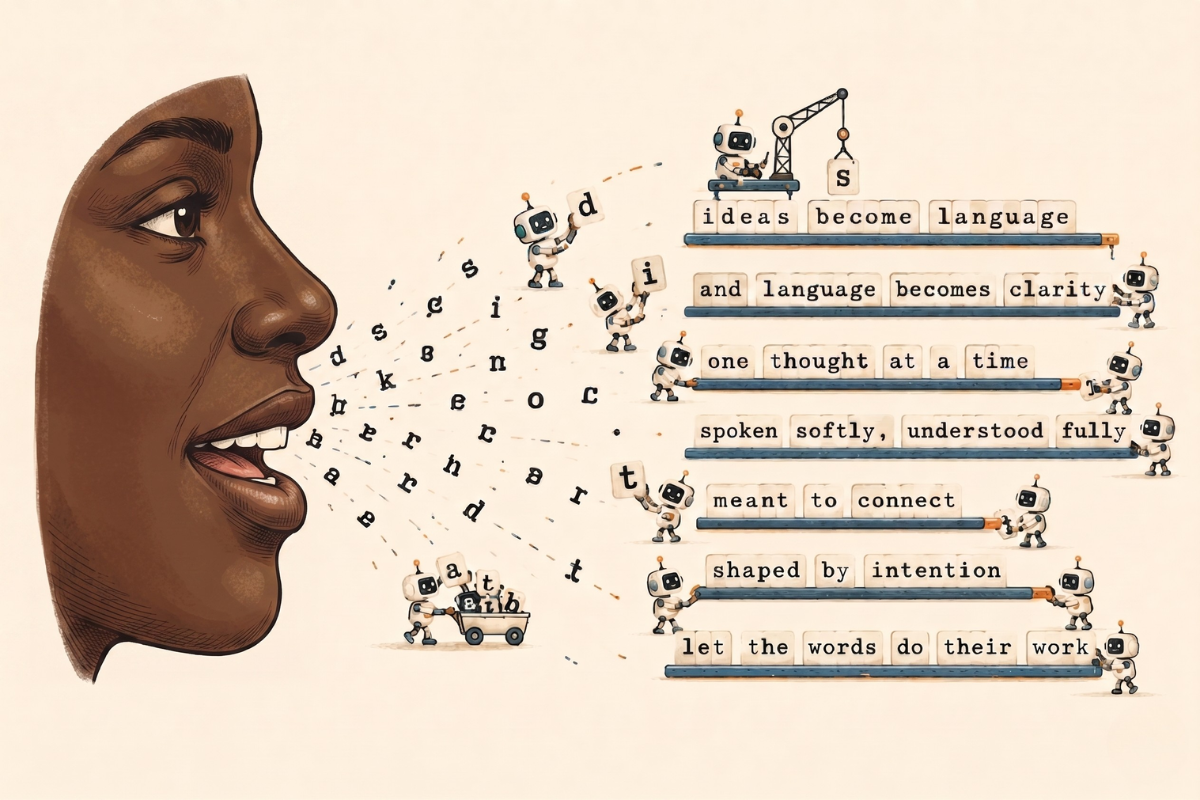
In this episode, I break down Wispr Flow, one of my favorite AI-powered tools: an AI dictation software that lets you press a button, speak naturally, and get clean, polished text inserted directly wherever your cursor is. I cover how it works, what makes it better than native dictation, my honest experience with the speed claims, and just using it in general. Watch out Siri, there’s a new sheriff in town.
Mama Didn’t Raise No Fool
Today we are talking about one of my favorite AI-powered tools: Wispr Flow.
One of the things I love about having Prompting Curiosity, and why I’m happy I changed the name, is because I can talk about all things AI, not just specific tool, service, or company. Not like I wasn’t doing that before, but still! My goal is always just to share what I’m doing, thinking, and using, and then you curious folks are free to take what serves you and leave the rest.
Before we get into things, I do have an affiliate link. No, they’re not paying me to write this or promote them,I just really like the product.
You can CLICK HERE to access the affiliate link and if you use it to sign up, you’ll get a free month of pro, and when you hit your first 2000 words, so will I. Zero pressure, but also mama didn’t raise no fool.
What Is Wispr Flow?
Wispr Flow is an AI-powered dictation software.
Perhaps you’re saying, “Talk to text already exists on my phone.” Yes it does, but have you actually tried it? It sucks. At least for me. Y’all know I be speaking hella fast.
My friend Khe put me onto Wispr Flow last December when I was getting into all the AI/coding stuff. He had been using it for a bit and loved it, so I decided to give it a try. Spoiler: I haven’t looked back.
The quick and dirty of how Wispr Flow works in action is you press a button or hotkey, speak naturally, and it inserts clean, polished text directly wherever your cursor is. Gmail, Notion, Slack, a random form on a website, if it has a cursor, you can use Wispr Flow.
Worth noting, you do not have to hold the button while dictating. On your phone, you press a single button to start and stop the software. On your computer, you can either hold a button down or set up a hotkey shortcut that starts and stops it, which lets you be completely hands-free while you’re dictating.
Where the AI Comes In
When you speak, your speech runs through cloud-based AI models that automatically removes filler words, fixes sentence structure, and formats the output for whatever app.
Unfortunately the models are OpenAI models, aka ChatGPT, but you can’t win ’em all.
Unlike basic dictation software that performs raw transcription, Wispr Flow cleans the text as it goes. It works in 100+ languages, and yes, it works when you’re whispering.
What Makes It Better
For me, the number one thing that gives Wispr Flow the crown is that it gets the words right. Plain an simple. If you’ve ever used talk to text in Apple Notes, you know the struggle is REAL.
What Wispr Flow likes to promote is the cleaning up that it does. Native dictation (Apple, Google) is literal: it types what you say, filler words and all. Wispr removes the “um” and “uh.”
Some other features that make it stand out:
- Automatic punctuation and capitalization: you don’t have to say the punctuation marks or anything like that
- Auto-formatting: will automatically format things into a bulleted list if you’re reading off items in list format (this is one of my favorite features)
- Learns your words, phrases, and tone and keeps them consistent across every app and device
- Personal dictionary: add your jargon, brand names, uncommon words, and it stops guessing
A Few More “Helpful” Features
As with all products, the creators continue to add features that IMO aren’t super necessary, but they may be helpful for you.
- Command Mode: highlight text and say “make this more formal,” “turn this into bullet points,” “summarize this” and it edits with your voice
- Style modes: formal, casual, very casual, excited — you can shape the output tone
My voice is my voice and I speak the same on all platforms, but if you need to be switching, you have that option.
Privacy and Data
The question you’re likely wondering? But is it safe?
According to their website, Wispr Flow is SOC 2 Type 2 compliant and HIPAA certified. Your audio and transcripts are encrypted in transit and at rest.
Worth noting, transcription always happens in the cloud, and there’s no actual offline mode. They do however give you control over what happens after that. If you enable Privacy Mode in your settings, none of your dictation data (audio, transcript, edits) gets stored or used for model training by Wispr or any third party. Zero data retention. If you leave Privacy Mode off, that data can be used to improve the product. Your call. I have it turned on.
Like I wrote earlier, Wispr Flow uses OpenAI under the hood but they apparently have agreements with all their third-party AI providers for zero data retention, which means OpenAI isn’t supposed to be storing your stuff either.
At the end of the day, I trust these companies about as far as I can throw them, but I’m also not sharing any sensitive information…and also, YOLO. As per always, make the decision that feels best for you.
My Honest Experience
I personally use Wispr Flow way more when I’m at my desk, and not so much on mobile for general texting. With the most recent iOS update you now have to toggle between screens to start Wispr Flow and I’m not trying to be doing all of that for a simple text.
That said, I will however use Wispr Flow on mobile for longer tasks like dictating notes or blog posts.
Ultimately it is faster than typing, but more than that, it’s helpful for getting ideas out. Oftentimes it’s easier to just speak and ramble than to try to type whatever is rattling around in your head.
Wispr Flow marketing claims that it’s 4x faster than typing, which I think is a bit of a stretch,, but it’s undeniably faster than typing. For reference, they base the 4x claim off of typing 45 wpm (which is on the slow end) and speaking 220 wpm (which is on the super fast end).
According to the free online typing test I took, I type about 80 wpm. According to the insights dashboard that Wispr Flow provides, I speak at 174 wpm and am in the top 0.1% — so take that 4x multiplier with a grain of salt. But clearly it’s still faster to talk it out.
Worth pointing out, typing and talking are different forms of communication, and I’m not here to advocate completely replacing one with the other. My choice is to do both. I just want to show you a dictation software alternative that I’ve found to be really helpful.
How I Used AI This Week
Each episode I share a quick example of how I used AI that week.
This week I used Gemini to create a video for the hero section of a website mockup I did for one of my messaging clients. I did 3 iterations, each was 10 seconds long, and then it told me I needed to upgrade if I wanted to make more (I’m on the pro plan because it’s part of Google Workspace) or wait 24 hours for usage to reset.
The videos were clearly AI, but they were also really good given the simple prompt I gave it.
It was a very helpful use case for me, but NGL, I’m definitely very concerned about AI video generation in general and I’d prefer it not be a thing at all. But, here we are, so let’s continue to push for rules and regulations.
Da Wrap-up
It’s not for everyone, but if you’ve been rage-quitting native talk-to-text, Wispr Flow is worth trying. It’s nothing super special but it does exactly what it’s supposed to do, and that’s more than I can say for Siri. Don’t forget about that affiliate link.
As always, endlessly grateful for you and your curiosity.
Catch you next Thursday.
Maestro out.